Helpful CLI UX Preserves Safety Boundaries
Jun 15, 2026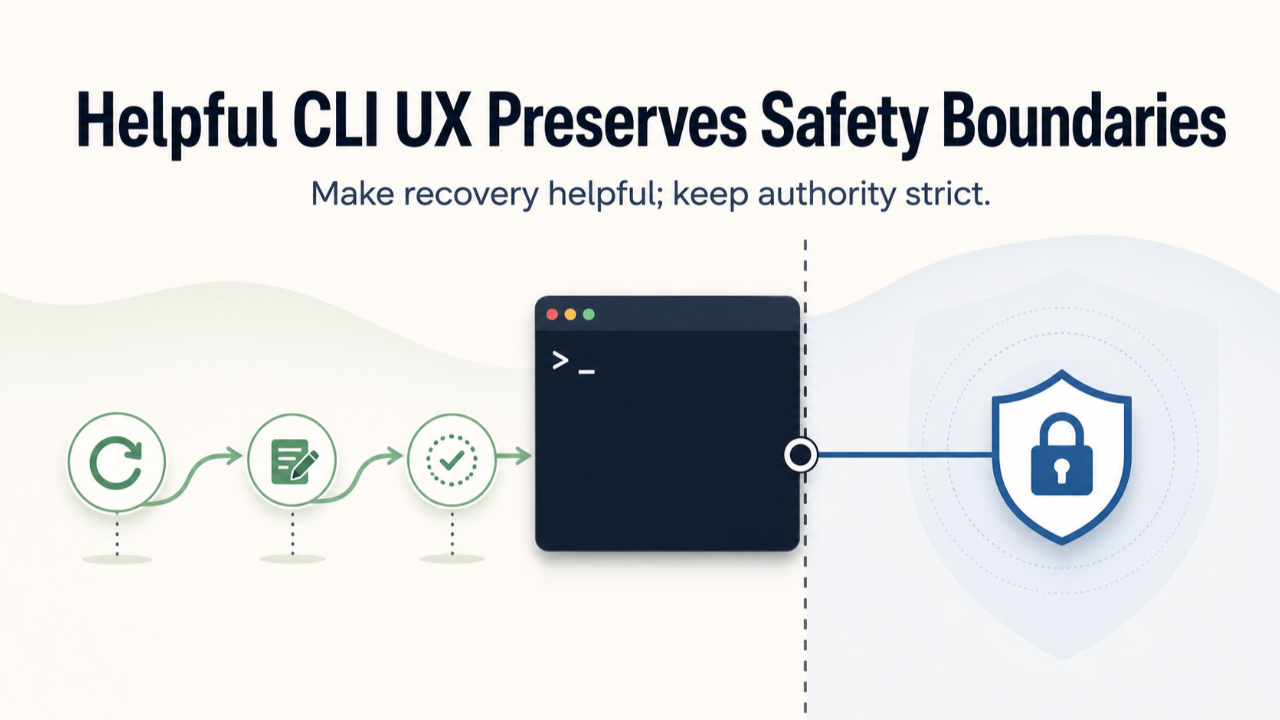
Some CLI improvements look like small quality-of-life fixes: better prompts, a retry loop, clearer editor instructions, a friendlier response to an invalid path.
But in an operational system, the first command a human touches is not just a convenience surface. It is a trust boundary.
If the command exits on ordinary mistakes, the operator learns that the system is brittle. If the command compensates by guessing too broadly, the system can cross the very boundary that made it safe.
The goal is not to make the command permissive. The goal is to make it recover well without changing who owns validation, state, or authority.
Problem
Operator-facing automation often fails in one of two ways.
The first failure is brittleness. A mistyped path, an expected shorthand, or an unfamiliar editor can end the flow before the operator has confidence that the system is usable.
The second failure is overcorrection. To avoid friction, the command starts guessing. It searches too widely, silently selects a target, bypasses a validator, or turns a convenience wrapper into a new authority surface.
Both failures damage trust. One makes the tool feel fragile. The other makes it unsafe.
Story / example
Consider a workflow command that starts with human input. The operator needs to identify a repository or workspace, enter a note, and continue through a governed process.
A rough version of that command might exit immediately when the repository input is invalid. It might fail to recognize a common shorthand even when the intended sibling workspace is obvious. It might open an editor without telling the operator how to save, quit, or return to the terminal.
Those problems sound cosmetic until you look at the boundary underneath them.
The command is handling paths. It is choosing where work will happen. It is collecting source material for a governed workflow. It may sit near lifecycle transitions that should only happen through approved state changes.
So the fix cannot be "make the command smarter" in an unbounded way.
The safer fix is narrower:
- reprompt for ordinary, recoverable input mistakes
- try only a deterministic fallback that the operator can understand
- show what path or interpretation was attempted
- keep containment and ownership validation in the authoritative validator
- hard-stop on boundary violations
- explain editor behavior before launching the editor
- add regression coverage for nearby lifecycle behavior that must not drift
The operator gets a more usable command. The system keeps its authority boundary.
Lesson
The reusable lesson is simple:
Make recovery helpful; keep authority strict.
Helpful recovery means the command does not abandon the operator on the first ordinary mistake. It explains the problem, gives a retry path, and handles narrow expected cases in a visible way.
Strict authority means the command does not become a second source of truth. It does not silently select unsafe targets. It does not weaken containment checks. It does not move lifecycle decisions into prompt logic. It does not treat a convenience feature as permission to bypass the real validator.
This distinction matters because CLI UX is often reviewed as polish. In a governed workflow, it is part of the safety design.
Broader implication
The same pattern applies beyond CLIs.
Any operator-facing entry point should separate recoverable mistakes from hard-stop violations:
| Situation | Better behavior | Boundary rule | | --- | --- | --- | | typo or missing value | explain and reprompt | do not change state | | expected shorthand | use one deterministic fallback | show what was attempted | | ambiguous target | ask or stop | do not silently choose | | boundary violation | hard stop | do not recover into unsafe state | | unfamiliar editor or tool | give visible guidance | do not hide critical instructions inside the tool |
The design question is not "Can we make this smoother?"
The better question is: "Which recovery paths are helpful, and which ones would blur the boundary?"
Closing
Good operator UX does not weaken a serious workflow. It makes the safe path easier to follow.
The command can be kind to the operator without being permissive with the boundary.
