Retiring Legacy Tools Is a Documentation Problem
Jun 26, 2026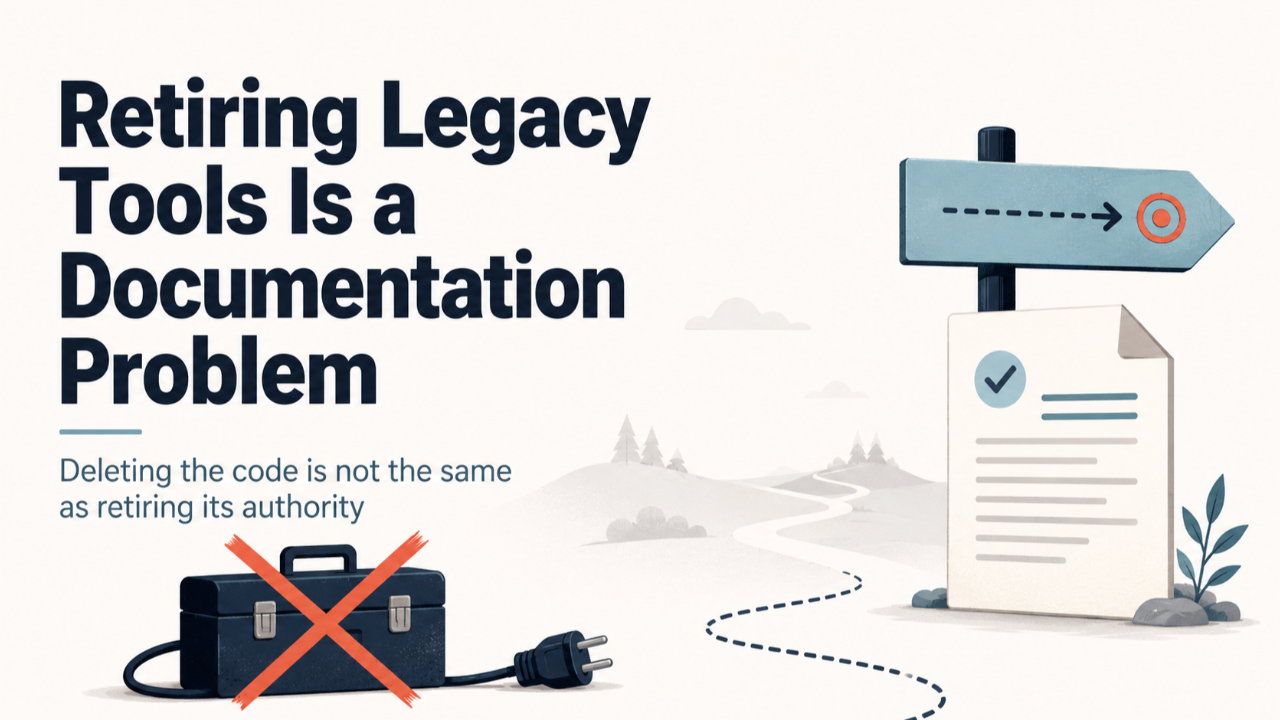
Deleting an obsolete script is a small change. Retiring the authority it carried is not. The hard part isn't removing the code — it's proving the old path is no longer live and removing the documentation that still tells people to use it.
The problem
Most teams accumulate alternate ways of doing the same thing. A second script that scaffolds a project. A side path that creates the same artifacts as the supported tool, but through different code and slightly different assumptions. These tools often stop being used long before anyone removes them. They sit in the repository, unreferenced by the build, the tests, or the main workflow.
It is tempting to treat clearing them out as pure cleanup: find the dead file, delete it, move on. But "dead" is doing a lot of work in that sentence. A tool can be dead in the sense that nothing calls it, while still being alive in the sense that your documentation describes it as a present, supported way to work. As long as the docs say it exists, someone can still find it and use it — and now they are operating an unsupported path you thought you had retired.
What actually happened
We set out to remove two legacy scripts. From an execution standpoint they were safe to delete: nothing in the package commands, the core source, the tests, or the workflows depended on them. The obvious conclusion was that this was a quick deletion.
The audit surfaced the real risk. The scripts were still referenced in several places across the live documentation — the pages that describe how the system is structured and how you are meant to work in it. Delete the scripts without touching those pages, and the documentation would keep presenting retired tools as current surfaces. The old path would survive as guidance even though the code was gone.
So the substantive change set turned out to be small but specific: delete the two scripts, and align every live-documentation reference so the system no longer described them as present. No core logic, routes, or workflows were touched.
There was one more turn. The first plan allowed the docs to say the scripts had been "removed" or "retired" — to mention them by name, just in the past tense. But the verification we wanted required zero references to those names anywhere in the live docs. Those two goals contradict each other: you cannot both forbid the name and keep a sentence that uses it. We resolved it by choosing one rule and stating it plainly: no live-documentation mentions of the retired tools at all. Not as supported, not as deprecated, not as a footnote.
That decision had a small cost. Removing one phrase broke an existing test that checked for that exact wording. The fix was to restore the generic label the test depended on, without reintroducing either retired name — satisfying both the new rule and the old expectation.
The lesson
Deleting code is not the same as retiring its authority. A tool's authority lives wherever something tells a reader it is a legitimate way to work — and that is usually the documentation, not the code. If you remove the file but leave the docs, you have created a more confusing state than before: a documented path that no longer exists.
So a real retirement has more than one step:
- Prove the old path is not live. Check the package scripts, the source, the tests, the workflows, and the docs — separately. "Nothing calls it" and "nothing references it" are different questions with different answers.
- Decide what the documentation should say, exactly. Pick one explicit rule. Either the tool is gone with no mention at all, or it is documented as explicitly deprecated. Do not leave it ambiguous, and do not let the wording contradict your verification.
- Make the deletion and the doc change one change. They are a single unit of work. Splitting them is how documentation drifts away from reality.
- Protect what stays. When you edit a section that lists both removed and retained tools, name the survivors in the plan. Sweeping changes are exactly where neighbouring, still-useful tools get deleted by accident.
The broader principle
When you classify a reference before you edit it, the work gets clearer. A mention of a tool can be: current guidance, an executable dependency, an architecture or protocol description, or a purely historical record. These deserve different treatment. Current guidance must change. Executable dependencies must be re-pointed or removed. Historical records — a past decision log, an archived note — should usually be left alone, because rewriting history to erase a tool is its own kind of dishonesty.
This is also why "removed" and "retired" notes can be weaker than full removal. If your goal is to stop people from discovering and using an obsolete entry point, a sentence that names it — even to say it is gone — still surfaces it. Sometimes the most useful documentation change is the one that leaves no trace of the thing you retired in the live guidance, while the historical record still preserves that it once existed and why it went away.
How to apply it
Before you delete a legacy tool, run a short, deliberate audit instead of trusting a single search:
- List every place the tool could live: package scripts, source, tests, workflows, live docs, historical artifacts.
- Classify each reference — live guidance, executable dependency, architecture surface, or history-only.
- Choose one documentation rule and write it down: zero live mentions, or explicitly-deprecated mentions. Make your verification check exactly that rule.
- Name the adjacent tools you are keeping, especially when they share a section with the ones you are removing.
- Verify against the whole system, not just your own search — existing tests and reference pages can encode the wording you are about to change.
The code change will be small. Treat the cleanup as an authority change rather than a file deletion, and it will stay clean.
